About This Tool
Free Online PDF Splitter 2026 – Extract PDF Pages Instantly | Fast & Secure
Have you ever opened a massive 50-page PDF document just to find that you only needed two or three specific pages? Dealing with bulky files can be frustrating, especially when you need to share specific sections with colleagues, clients, or classmates.
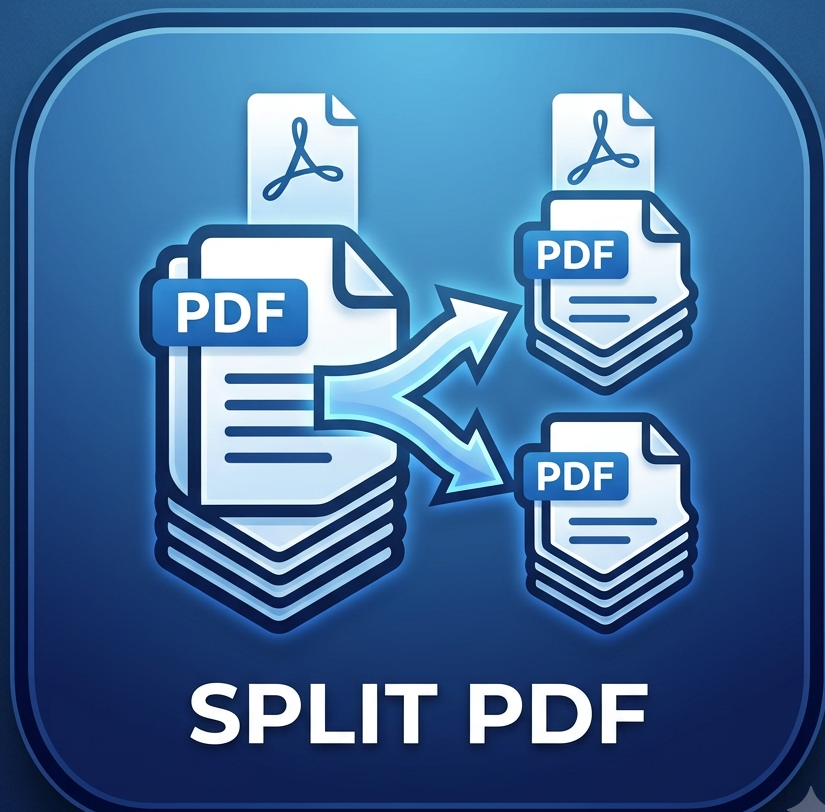
That is where our Free Online PDF Splitter 2026 comes to your rescue[cite: 1]. It lets you split large PDF documents into smaller files, extract exact pages, or remove unnecessary sections in just a few clicks—no software installation or technical experience required[cite: 1].
Why Choose Our Free Online PDF Splitter Tool in 2026?
We designed our PDF splitting tool with user convenience, speed, and privacy in mind. Here is why thousands of users trust SmallPDF24 every day:
1. 100% Free with No Limitations
Unlike many online tools that force you to buy a premium subscription after a single use, our PDF splitter is completely free. You can extract and split as many files as you need without hidden charges or daily caps.
2. High-Speed Processing
No one likes waiting around. Powered by modern cloud servers, our tool processes your documents in seconds, letting you extract the exact pages you need without delay[cite: 1].
3. Maintain Original Document Quality
Extracting pages shouldn’t mean losing text crispness or image quality. Our advanced parsing technology ensures that formatting, graphics, fonts, and layout structures remain 100% identical to the original document[cite: 1].
4. Strict Privacy & Server Security
Your files belong to you, and we respect your confidentiality. All uploaded documents are encrypted using SSL protocol and automatically purged from our servers shortly after processing[cite: 1]. No one else ever views or accesses your files[cite: 1].
How to Split a PDF File Online (Step-by-Step Guide)
Splitting a PDF document takes less than a minute. Here is how simple it is:
-
Upload Your PDF: Visit the SmallPDF24 PDF Splitter Tool and click the upload button, or drag and drop your PDF directly into the designated box[cite: 1].
-
Select Pages or Ranges: Choose how you want to split your file—extract custom page numbers (e.g., pages 2, 5, 8-12), split into single-page files, or select specific page ranges.
-
Click Split: Press the "Split PDF" button to start the automatic extraction[cite: 1].
-
Download Your Files: Download your newly extracted PDF pages or saved ZIP folder immediately to your device[cite: 1].
Multiple Ways You Can Split Your PDFs
-
Extract Custom Pages: Pick individual pages out of a large document and save them into a new, smaller PDF.
-
Split into Single Pages: Convert every single page of a multi-page document into individual, standalone PDF files.
-
Remove Unwanted Pages: Select and discard blank, extra, or irrelevant pages before sharing your file.
Key Features of SmallPDF24 PDF Splitter
-
Works on Any Device: Fully responsive across Windows, Mac, iOS, Android, and Linux using any standard web browser.
-
No Account Required: Jump straight to work without wasting time filling out registration forms or logging in[cite: 1].
-
Clean & Intuitive Interface: Simple, visual page selector that allows you to preview pages before splitting them[cite: 1].
Frequently Asked Questions (FAQs)
Q1. Do I need to register or sign up to split PDF files?
Ans: No, you can use the tool completely anonymously without creating an account or providing your email address[cite: 1].
Q2. Is my uploaded document safe on your website?
Ans: Absolutely. All uploaded files are transmitted via secure HTTPS/SSL protocol and automatically deleted from our servers right after processing[cite: 1].
Q3. Can I split a PDF file on my mobile phone?
Ans: Yes! The tool works smoothly on Android, iPhone, and iPad through Chrome, Safari, or any mobile browser[cite: 1].
Start Splitting Your PDFs Today!
Take control of your documents and stop carrying around bloated files. Visit the SmallPDF24 PDF Splitter right now to extract, separate, and streamline your PDF pages instantly!